One photo. Your rap performance.
Free 5-second preview → Unlock full video
One model is currently available. Source models may differ.
3367/20000 characters. One photo required. A custom direction replaces the template scene; safety and format rules still apply. Lyrics, language, lip-sync and beat timing are requests, not guarantees. Audio and multi-reference inputs are not supported.
Community source: @aimikoda · github
Choose a rap template
Upload one photo to enable the free preview.
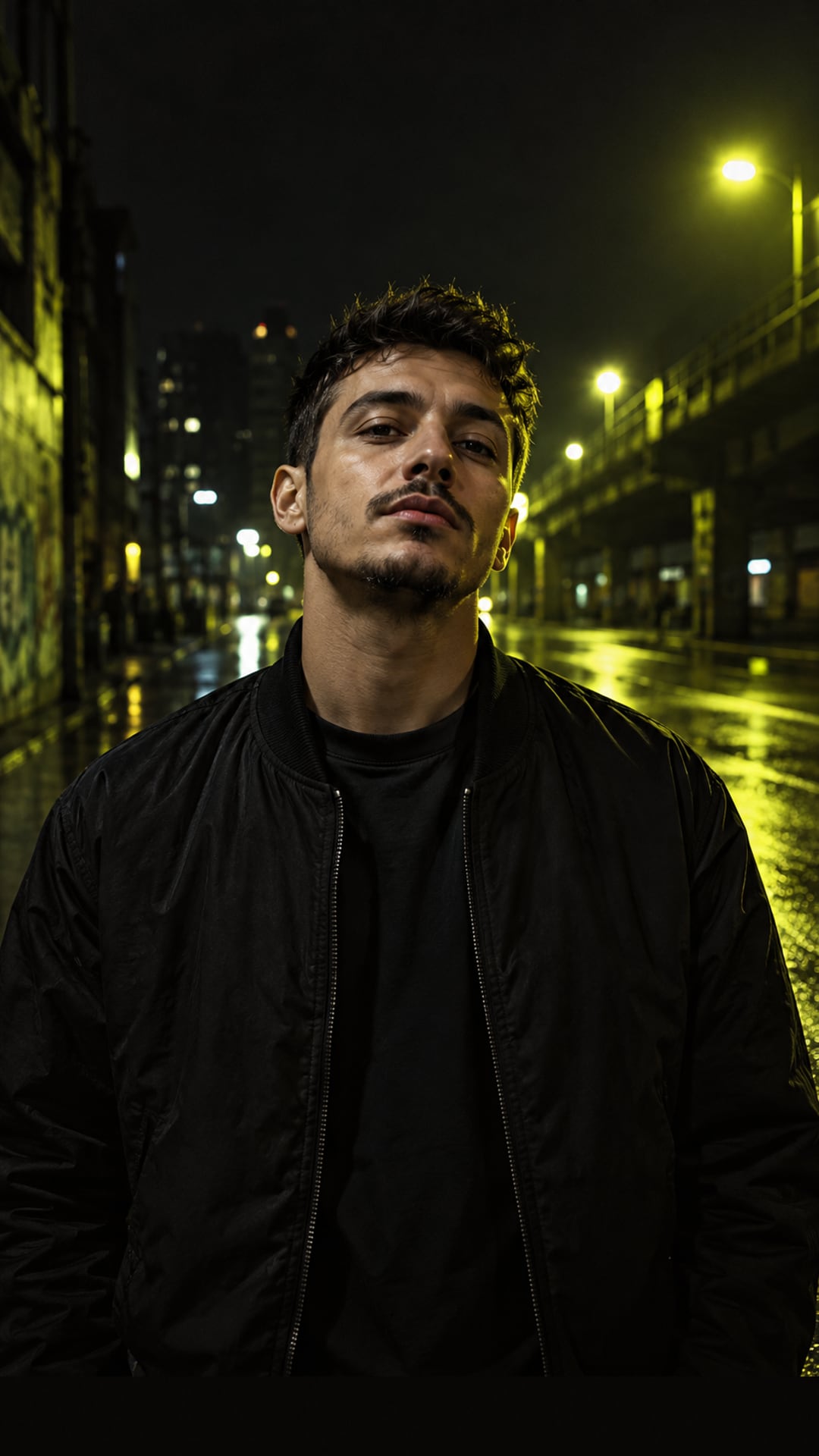
Local static preview only. It does not demonstrate rap motion, vocals or final output quality. Photo checks and previews stay in your browser.
How does the photo check work?
The photo check works in 4 steps, and every step runs in your browser tab.
- Add one photo of the performer. JPG, PNG and WebP files of up to 5 MB are accepted.
- Read the score for each photo. Each one gets an overall score from 0 to 100, a short verdict and a tip for any check that needs work.
- Replace a photo that scored low. A new photo is checked as soon as you add it.
- Continue to the free scene preview, where your photo is placed into the orange Rap Selfie studio.
What does each check measure?
The photo check measures 4 things in each photo and gives every photo an overall score from 0 to 100.
| Fact | Value | Source |
|---|---|---|
| Resolution | Shorter side of 800 px or more is Good; 500 to 799 px is a warning; under 500 px is flagged | Built-in check |
| Brightness | Overall light level and left-to-right balance, from Too dark to Too bright | Built-in check |
| Contrast | Washed-out areas, crushed shadows and flat contrast | Built-in check |
| Sharpness | Fine detail in the best-focused regions: Sharp, Soft or Blurry | Built-in check |
| Overall score | 0 to 100 for each photo, with a verdict and tips | Built-in check |
| Faces | Not measured: use 1 person per photo, facing the camera | Built-in check |
Questions about the photo check
Which photo files can I use?
Use JPG, PNG or WebP files of up to 5 MB each. Pick the original photo rather than a screenshot or a chat-app copy, because the resolution check reads the pixels in the file you add.
Is my photo uploaded during the check?
No. The photo check and the scene preview run in your browser tab without uploading files. If you leave to pay, your photos save locally in your browser to restore within 1 hour and clear when you return; any draft not restored clears on your next visit.
Why did my photo score low?
A low score points to one of the 4 checks: a shorter side under 500 px, a photo that is too dark or too bright, washed-out or flat contrast, or soft focus. Each check shows a tip, so replace the photo with a sharper original taken in even light and it is checked on the spot.
Do I need an account for the photo check?
No. The photo check and the scene preview are free and need no account. You can buy a video pack and generate directly, too.
What is free and what uses credits?
The photo check and scene preview are free in your browser. Video packs are $9.90 for 1 video, $19.90 for 3 videos, or $29.90 for 5 videos. Each video means 10 seconds; 5- and 15-second videos use the balance proportionally.
Where do the lyrics I type go?
Your words travel from our website through our routing partner kie.ai to the AI video model when you start rendering your video. We keep them in our storage with your video job until it expires after 7 days, or until you choose Delete my data in your account. Your text never appears in emails, and we leave it out of analytics tools.