
External reference · Men's Radius
How to Use Rap God Effect in Higgsfield AI (Best Method)
Published
Watch on YouTube ↗A solo freestyle performance on a night street.
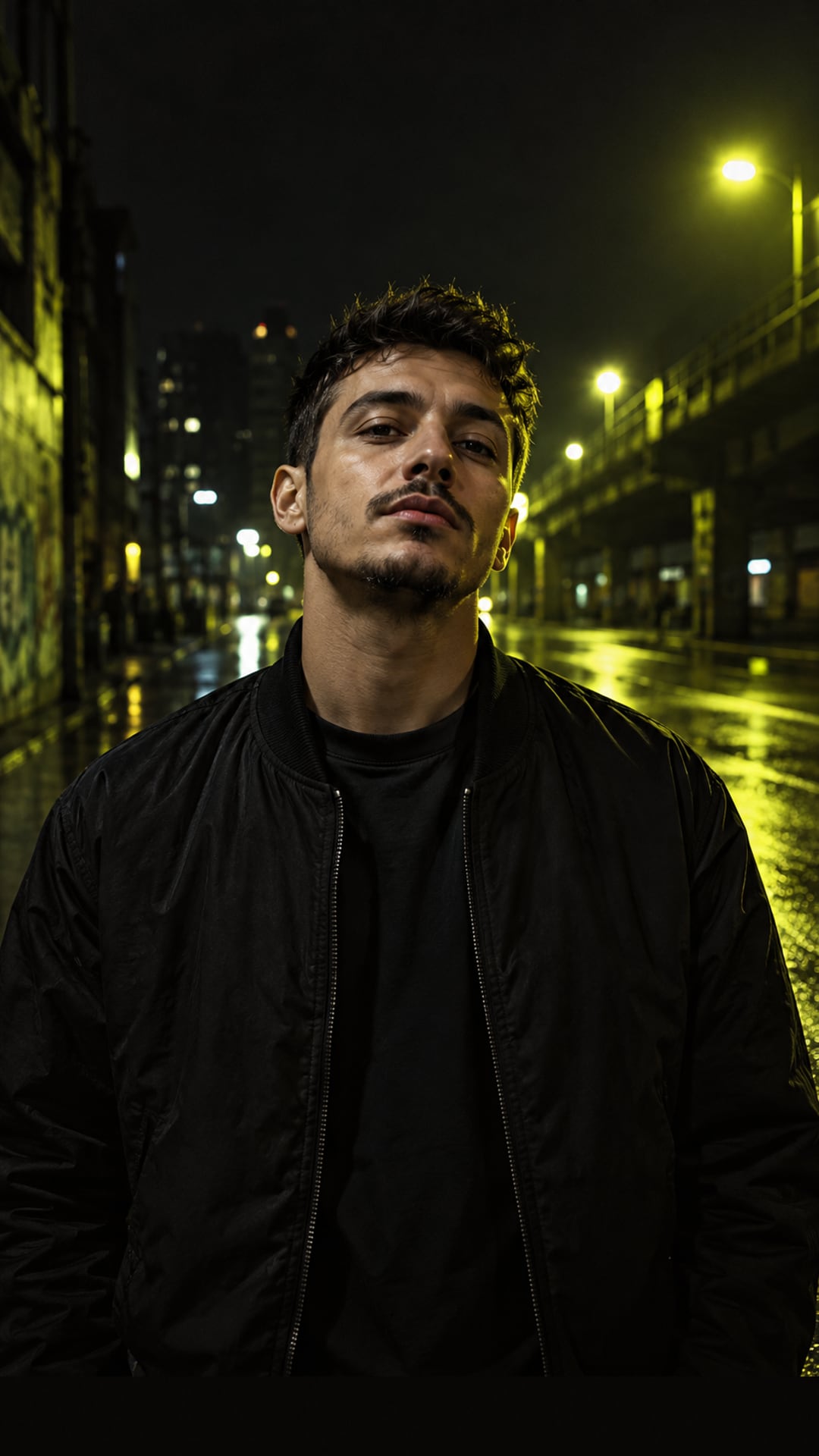
Upload one photo on the homepage, check it, then preview it in your browser with this template selected.
Use this template →Free 5-second local still preview. No generated motion or audio. Full output quality is unverified.
A solo freestyle performance on a night street.
Language: English direction. Configured full video duration: 10 seconds. Choose portrait or landscape in the generator.
The scene and language describe the creative direction. They are not a promise of a particular performance, voice or output quality.
Independent tutorials and original videos for context. They demonstrate other workflows, not this template's output or capabilities.
External reference · Men's Radius
Published
Watch on YouTube ↗
External reference · Cyber Daive
Published
Watch on YouTube ↗
External reference · Media io Online AI Tools
Published
Commercial partnership disclosed in the source.
Watch on YouTube ↗
External reference · Bulin 47 Oficial
Published
Watch on YouTube ↗
External reference · COLORS
Published
Commercial partnership disclosed in the source.
Watch on YouTube ↗

External reference · On The Radar Radio
Published
Watch on YouTube ↗Embedded from YouTube / posts from X belong to their creators; not affiliated. External references are not Rap Selfie outputs. Music, likenesses and trademarks remain with their owners.
No. The photo check and the preview run in your browser, so 0 photos are uploaded during these steps. Photos stay in your open tab, saving locally in your browser to restore within 1 hour only if you leave to pay, clearing when you return; any draft not restored clears on your next visit. Photos upload only when you click Generate.
JPG, PNG or WebP files of up to 5 MB each, with one person per photo. A shorter side of 800 px or more rates Good on the resolution check.